
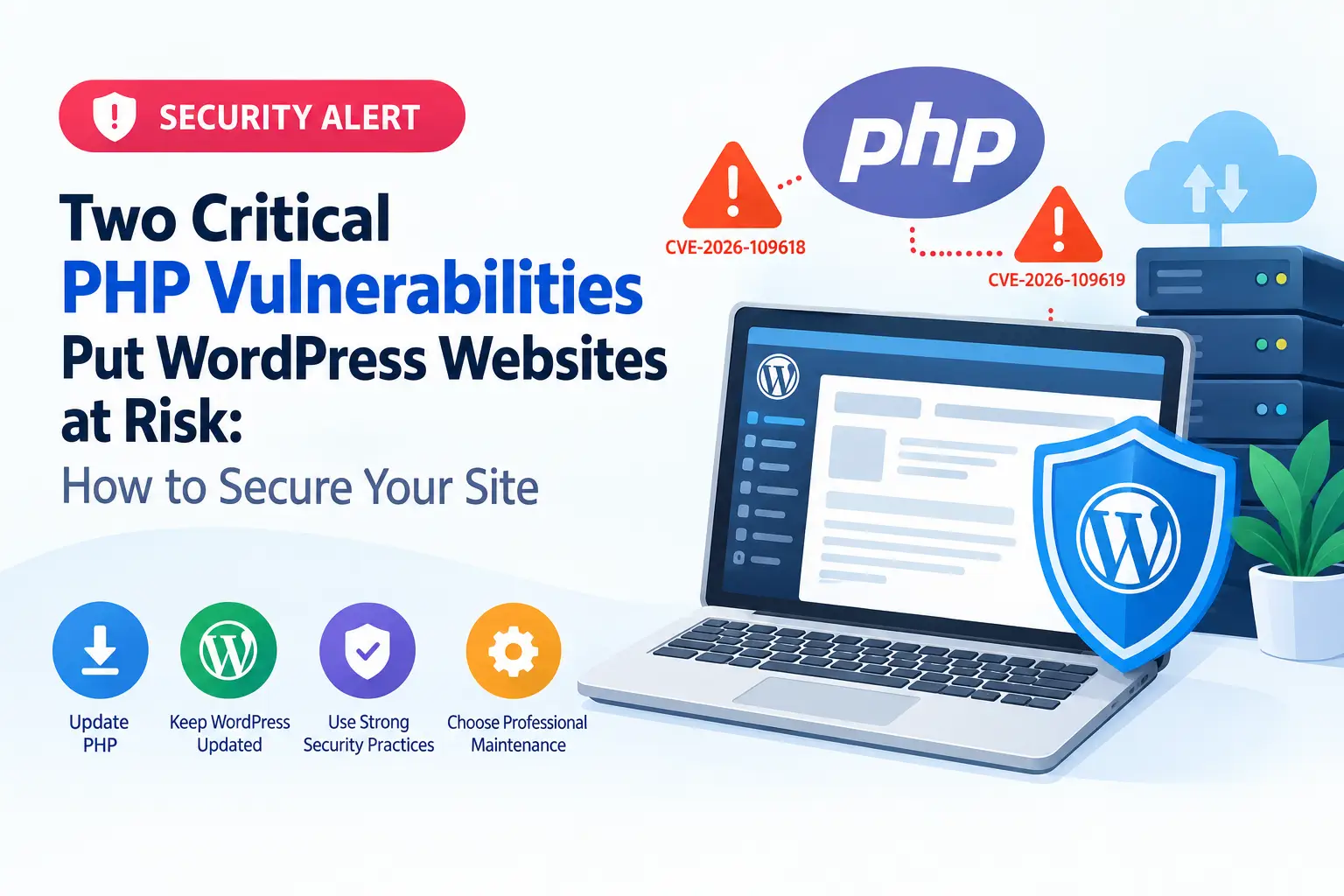
Two Critical PHP Vulnerabilities Put WordPress Websites at Risk: How to Secure Your Site
PHP is a core technology behind WordPress, powering its functionality, themes, plugins, and server-side operations. Keeping PHP updated is an important part of maintaining a secure, stable, and reliable WordPress website.
For businesses that rely on their websites for customer communication, online transactions, lead generation, or donations, regular security updates are essential. In this article, we explain how PHP vulnerabilities can affect WordPress websites and the steps you can take to improve your website security.
Understanding PHP Security Vulnerabilities
PHP security vulnerabilities are weaknesses in the PHP programming language or its implementation that may allow attackers to compromise a system under certain conditions.
Depending on the nature of a vulnerability, potential consequences can include unauthorized access, information disclosure, service disruption, or other security issues. The actual risk depends on the affected PHP version, server configuration, application code, and whether the vulnerability can be exploited in your environment.
WordPress itself is built primarily with PHP, so the PHP version running on your hosting server plays an important role in your website's overall security.
Why this matters: Updating WordPress core alone does not necessarily fix vulnerabilities in the PHP runtime. Website owners must also ensure that their hosting environment uses a supported, patched PHP version.

How PHP Vulnerabilities Can Affect WordPress Websites
A vulnerable PHP environment can increase the security risks faced by a WordPress website. The potential impact varies depending on the vulnerability and the server configuration.
Here are some important risks to understand.

Increased Risk of Website Compromise
If a vulnerability is exploitable in your environment, an attacker may be able to use it as part of an attack against the server or website. A successful compromise could affect website files, databases, administrative access, or other hosted applications.
Exposure of Sensitive Information
Certain security flaws can result in information disclosure. Depending on the issue, exposed information could include application data, server details, or other sensitive information accessible to the vulnerable component.
Website Downtime and Service Disruption
Some vulnerabilities may allow attackers to interfere with normal server operations. This can lead to slow performance, errors, or service interruptions that affect visitors and business operations.
Greater Security Risks for Outdated Websites
Websites that run unsupported PHP versions or have not received regular security maintenance may miss important security fixes. Outdated plugins, themes, and custom code can add further risks.
For businesses that depend on WordPress, security problems can also damage customer trust and create additional recovery and maintenance costs.
What Are the Two Critical PHP Vulnerabilities?
On October 21, 2026, the PHP development team announced security releases addressing two critical vulnerabilities that could allow unauthenticated remote code execution. These issues are tracked as CVE-2026-109618 and CVE-2026-109619.
Remote code execution is a serious security risk because it can potentially allow an attacker to run malicious code on an affected server without first logging in.
The two vulnerabilities involve different problems in PHP’s internal request-handling and memory-management processes.
These are vulnerabilities in PHP itself, rather than WordPress-specific vulnerabilities. However, WordPress websites running affected PHP installations may be exposed. The PHP team recommends updating to a patched release immediately.
Which PHP Versions Need to Be Updated?
The PHP security release published on October 21, 2026, includes patched versions for the following release branches.
| PHP branch | Patched version |
|---|---|
| PHP 8.5 | 8.5.12 |
| PHP 8.4 | 8.4.27 |
| PHP 8.3 | 8.3.36 |
| PHP 8.2 | 8.2.35 |
How to Secure Your WordPress Website Against PHP Vulnerabilities
Follow these steps to reduce security risks and keep your WordPress website up to date.
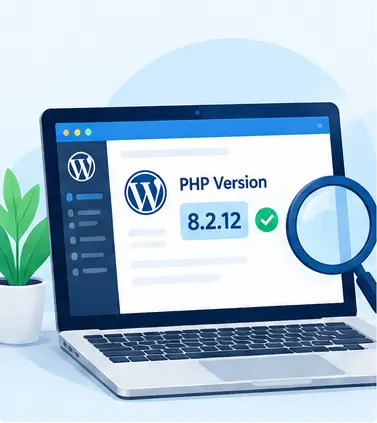
Check Your Current PHP Version
Start by identifying the PHP version used by your website.
You can usually check this through your hosting control panel, such as cPanel or Plesk. In WordPress, you can also navigate to Tools → Site Health → Info and expand the Server section.
Compare the installed PHP version with the official PHP security announcement and confirm whether your hosting provider has applied the relevant patches.
If you manage multiple websites, check each installation separately. Different domains or applications on the same hosting account may use different PHP versions.
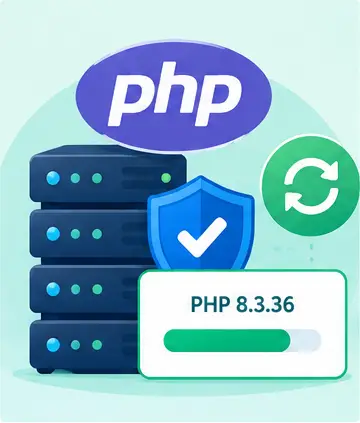
Update PHP to a Patched Version
If your website is running an affected PHP build, arrange an upgrade to the appropriate patched release.
Before updating:
- Create a complete backup of your website files and database.
- Test the new PHP version on a staging website when possible.
- Check compatibility with WordPress core, plugins, themes, and custom PHP code.
- Confirm that essential PHP extensions are available.
- Verify that your payment forms, contact forms, donation systems, and other critical features work correctly after the upgrade.
Once testing is complete, apply the update to the live website and check for errors.
Update WordPress Core, Themes, and Plugins
PHP updates are only one part of a comprehensive website security strategy.
Outdated WordPress components can introduce additional vulnerabilities. Review and update:
- WordPress core
- Active themes and child themes
- Installed plugins
- Security and backup plugins
- E-commerce and payment gateway extensions
- Custom code and third-party libraries
Remove plugins and themes that are no longer needed, especially abandoned components that no longer receive security updates.
For business websites, test updates before deployment to reduce the risk of broken layouts, checkout errors, or other unexpected problems.
If you manage multiple websites, check each installation separately. Different domains or applications on the same hosting account may use different PHP versions.
Strengthen WordPress Login and Access Security
Protecting administrative access can reduce the likelihood of unauthorized account access.
Consider implementing the following measures:
- Use strong, unique passwords for all administrator accounts.
- Enable multi-factor authentication where supported.
- Limit administrator privileges to users who need them.
- Remove inactive accounts and review user permissions regularly.
- Use HTTPS across the website.
- Apply appropriate security monitoring and login protection.
These measures complement PHP patching, but they do not replace it. A server-level vulnerability may be exploitable independently of WordPress login security.
Set Up Regular Backups and Security Monitoring
Backups are essential when dealing with security incidents, failed updates, or unexpected website errors.
Maintain backups of your website files and database, and store copies in a secure location separate from the production server. Test restoration periodically to make sure your backups can actually be used.
You should also monitor:
- Unusual login activity
- Unexpected changes to website files
- Suspicious server requests
- Malware alerts
- PHP errors and server logs
- Unexpected changes in website performance or availability
Early detection can help you investigate potential problems before they cause greater disruption.
Test Website Performance and Functionality After Updates
A security update should not leave your website’s core functions broken.
After applying PHP patches or changing PHP versions, check your homepage, important landing pages, contact forms, and other key workflows.
For WooCommerce websites, test the cart, checkout, payment gateway, and subscription renewal processes where applicable. For donation websites, confirm that donation forms and payment processing continue to work as expected.
Also review server logs, error logs, and website performance to identify compatibility issues that might not be immediately visible to visitors.
UNDER THE HOOD
What If You Cannot Update PHP Immediately?
Treat an unpatched critical PHP vulnerability as a priority rather than postponing it indefinitely.
The PHP security team’s advisory states that there is no complete workaround for these vulnerabilities; updating is the safe solution.
If an immediate update is not possible:
Contact your hosting provider and request urgent confirmation of the available security patch.
Ask whether your hosting environment uses a vendor-supported PHP package with the necessary security fixes.
Restrict exposure where feasible while the update is being prepared.
Increase monitoring and review suspicious activity.
If the server cannot be adequately protected, assess whether taking the affected service offline temporarily is necessary.
Do not assume that a firewall, security plugin, or malware scanner makes an unpatched PHP installation safe.
Why Regular WordPress Website Maintenance Matters
Security updates are not one-time tasks. PHP releases, WordPress updates, and plugin security fixes are published over time, and websites need a consistent process for applying them.
Professional WordPress website maintenance helps businesses keep their websites secure, functional, and reliable without having to manage every technical detail themselves.
A maintenance plan can include:
Security updates
Reviewing and applying relevant PHP, WordPress, theme, and plugin patches.
Compatibility testing
Checking that updates do not break essential website functions.
Website backups
Maintaining reliable backup and recovery procedures.
Malware monitoring
Identifying suspicious activity and potential security problems.
Performance optimization
Reviewing caching, database performance, and other factors affecting loading speed.
Technical troubleshooting
Investigating errors, failed updates, and compatibility issues.
Ongoing maintenance reviews
Checking website health and addressing technical problems before they become larger issues.
Frequently Asked Questions
Why are PHP security updates important for WordPress websites?
PHP runs the server-side code that powers WordPress. Security updates fix vulnerabilities that could otherwise expose the server or website to attacks, depending on the flaw and environment.
How can I check whether my WordPress website is using a vulnerable PHP version?
Check the PHP version through your hosting control panel or WordPress Site Health. Compare it with the official PHP security advisory and confirm whether your hosting provider has installed the required patch.
Will updating WordPress automatically update PHP?
No. WordPress core updates and PHP runtime updates are separate processes. PHP usually needs to be updated through your hosting control panel, server administration tools, or hosting provider.
Can a WordPress security plugin protect my website from PHP vulnerabilities?
A security plugin can provide useful protections, monitoring, and alerts. However, it cannot guarantee protection from a critical vulnerability in the PHP runtime. Applying the appropriate PHP security patch remains essential.
How often should a WordPress website be maintained?
Website maintenance should be ongoing. Security advisories should be reviewed promptly, critical updates prioritized, and routine updates tested and applied regularly. The appropriate schedule depends on the website's complexity, business requirements, and risk level.
Keep Your WordPress Website Secure with Professional Maintenance
Critical PHP vulnerabilities are a reminder that website security depends on more than installing a security plugin or updating WordPress occasionally. The underlying server environment must also receive the appropriate security patches.
If you manage a WordPress website and are unsure which PHP version it uses, whether your hosting provider has applied the latest fixes, or whether your plugins and themes are compatible with an upgrade, a professional maintenance review can help identify the next steps.
Our WordPress website maintenance service helps businesses maintain their websites through regular updates, security checks, backup management, compatibility testing, and ongoing technical support.
Don't wait for a security issue to disrupt your website. Review your PHP version, apply the required security updates, and establish a regular maintenance schedule to keep your website protected and running smoothly.